FlipPraxis Apex Hub
Run Experiential Learning at Scale, From One Place
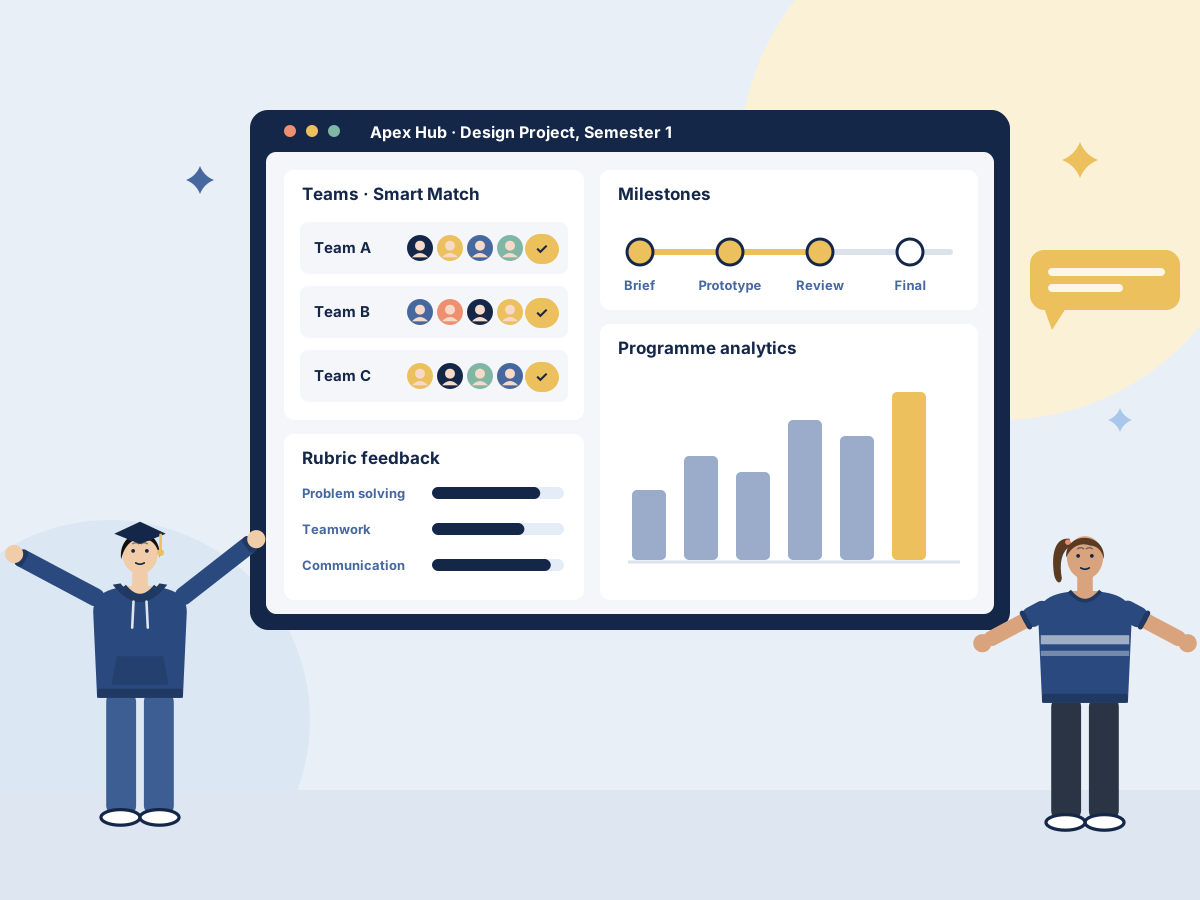
Apex Hub is where faculty and programme teams run project-based, active and flipped learning day to day: forming teams, tracking milestones, reviewing work with rubrics and turning every semester into evidence.
Everything a Project-Based Semester Needs
Nine connected capabilities, so faculty spend their time coaching students rather than chasing spreadsheets.
Smart Match team formation
Students state their project interests; Smart Match forms balanced teams with the complementary skills each project needs. Faculty can adjust any team.
Milestone management
Set milestones for every project, see what is due across the programme and spot overdue deliverables before they become problems.
Submissions and rubric review
Students submit work against each milestone. Faculty review it with shared rubrics and leave feedback students can act on.
Peer feedback
Structured peer assessment with rubrics, with faculty oversight so every review is fair and moderated.
Flipped content delivery
Assign pre-class videos and readings, then see who is prepared before class starts.
Analytics and reporting
Programme dashboards, average rubric levels, early alerts and accreditation-ready exports.
LMS integration
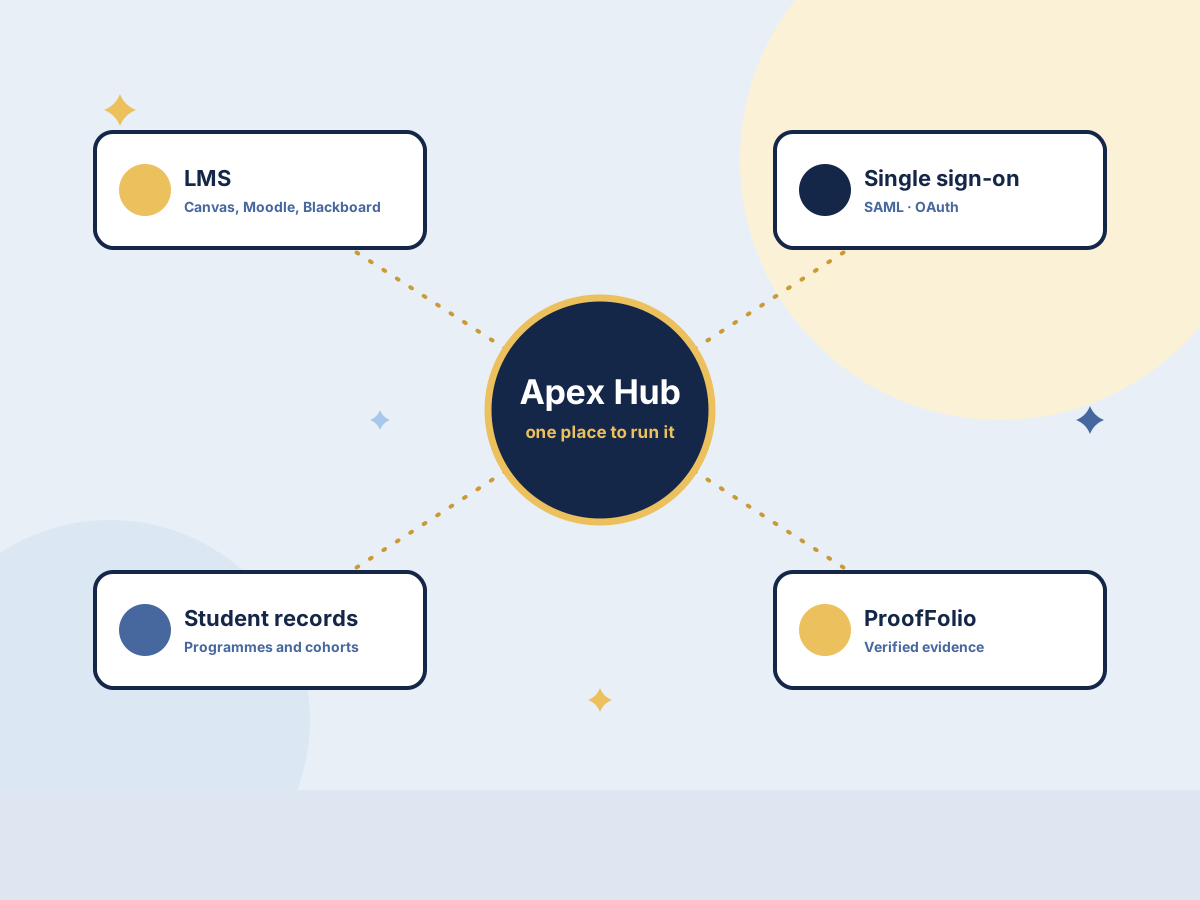
Works alongside Canvas, Moodle and Blackboard, with single sign-on through SAML or OAuth.
Security and access control
Role-based access, an audit trail, NDA handling for industry projects and full institutional data ownership.
Industry projects and administration
Employers post live projects and internships; budget tracking and invoicing support fee-based client projects.
How a Semester Runs
From the first brief to the final report, every step happens in one place.
Plan
Set up the course, projects, milestones and rubrics.
Form teams
Smart Match builds balanced teams from student interests and skills.
Deliver
Teams work through milestones while faculty coach and give feedback.
Report
Results flow into dashboards and verified evidence in ProofFolio.

Built for Every Role
Each person sees what they need, and nothing they should not.
Faculty
Form teams in minutes, review submissions with rubrics and see which students need help.
Programme leaders
Track progress across courses and cohorts, and compare outcomes term on term.
Students
See your team, your milestones and your feedback, and build verified evidence as you learn.
Industry partners
Post live problems, mentor teams and see the work students produce.
IQAC and quality teams
Export outcome evidence for OBE and accreditation without a last-minute scramble.
Administrators
Manage users, roles, integrations and projects from one console.
Fits the Systems You Already Use
Apex Hub connects to your learning management system, single sign-on and student records, and sends verified evidence to ProofFolio. Your institution owns its data, and access is controlled by role.
- LMS integration. Canvas, Moodle and Blackboard.
- Single sign-on. SAML or OAuth, so staff and students use their university account.
- Role-based access. Faculty, students, partners and administrators each see only what they should.
- Your data stays yours. Institutional data is never sold or shared for commercial purposes.
Questions About Apex Hub
Do we have to replace our LMS?
No. Apex Hub works alongside Canvas, Moodle or Blackboard and uses single sign-on, so courses and grades can stay where they are.
Is Apex Hub part of FlipPraxis UniTech?
Yes. Apex Hub is the experiential learning and project layer of FlipPraxis UniTech.
Do we need technology to work with FlipPraxis?
No. FlipPraxis is a transformation partner first. Apex Hub is optional and is used where it helps faculty run the model at scale.
Can we start with one course?
Yes. Most universities start with a Launchpad Pilot: one course, one semester, 40 to 60 students.
See Apex Hub With Your Own Course
We will walk you through Apex Hub using a course or programme you choose.